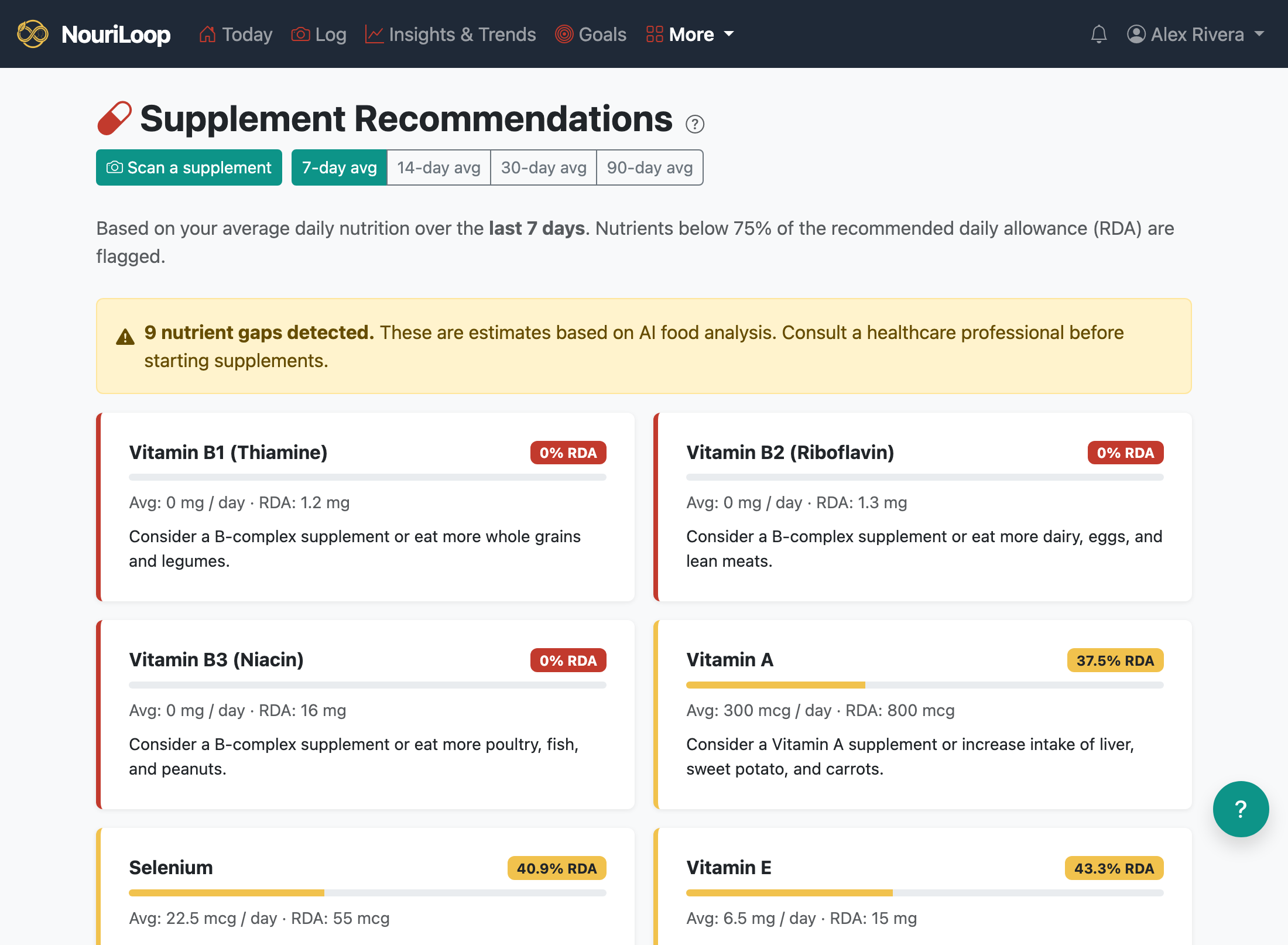
Tell NouriLoop which supplements you take every day, and it folds them into your nutrient picture — so its
adequacy checks reflect what you're actually getting, not just from food.
Adding a supplement
Go to Supplements → Scan a supplement.
Take a photo of the label (you can add a second shot for wrap-around labels). The AI reads the
facts panel and pulls out the per-serving nutrients.
On the confirm screen, check the values and set how many servings per day you take,
then save.
How it's used
Active supplements count toward your daily nutrient totals. On the Supplements page you'll see which
nutrients are still below their recommended daily allowance after accounting for what you supplement, with
suggestions. Turn a supplement off and it drops right back out of the calculation.