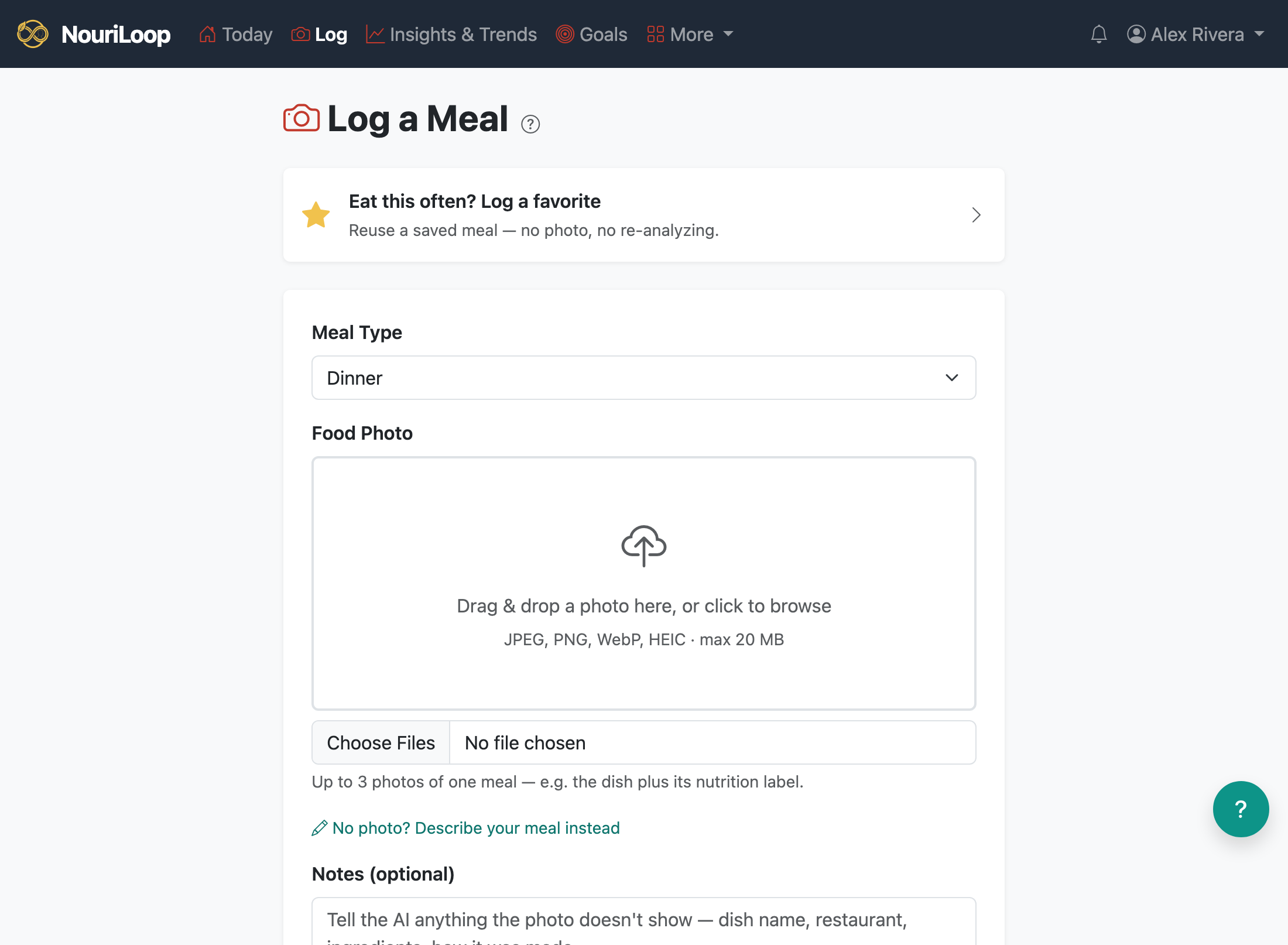
Logging a meal is the heart of NouriLoop: take a photo, let the AI estimate what's in it, then confirm and
adjust before saving. You never type in calories by hand.
Step by step
Tap Log and choose or take a photo of your meal.
NouriLoop's AI analyzes the photo and estimates calories, macros, a full panel of vitamins and
minerals, and the ingredients it sees — along with how confident it is.
On the Confirm & Refine screen, review the estimate. Set "how many servings
did you eat?" — the portion control scales the whole estimate up or down.
If the date isn't today (the app uses your photo's timestamp so you can log a few days of meals at
once), you'll see a clear notice — adjust the date/time if needed.
Tap Save to log. You can also Save & add to favorites to reuse
the meal later.
If the estimate looks off
While the AI is still unsure, you can re-analyze with corrections (fix an ingredient or
answer its questions) or attach a second photo — for example, the nutrition-facts label.
Adding a label usually sharpens the estimate a lot. What you review is exactly what gets saved.
NouriLoop flags a likely duplicate if the same photo is already
logged at the same time, so you don't double-count a meal.