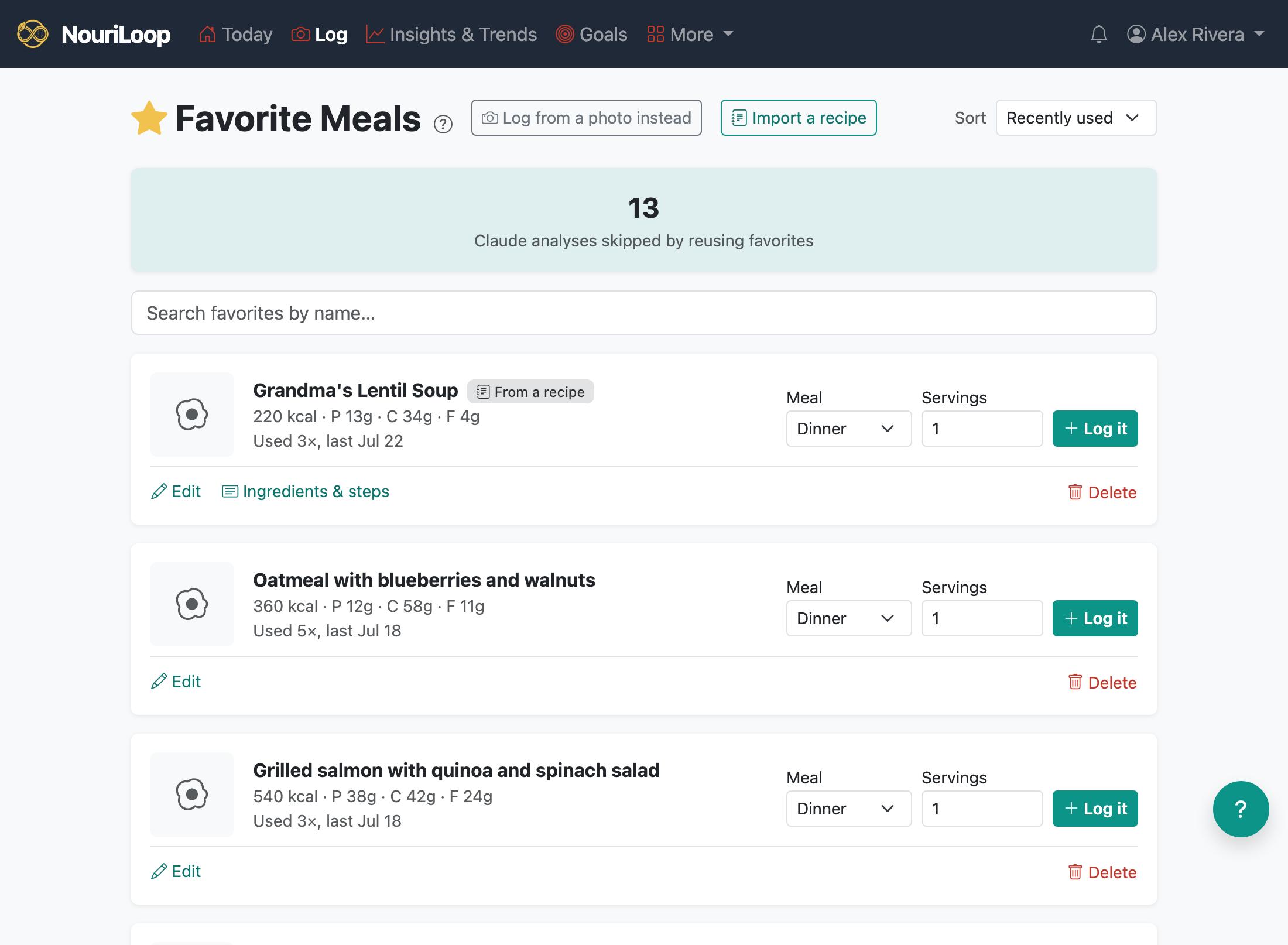
If you eat the same thing often, save it as a favorite and re-log it in one tap — no new
photo, no waiting on the AI. The nutrition is reused exactly as you saved it.
Saving a favorite
From the Confirm & Refine screen when logging, tap Save & add to
favorites, or
From any saved meal's page, tap Save as favorite.
Logging from a favorite
Go to Log → Favorites.
Find your meal (you can search and sort), and open it.
Set how many servings and the meal type, then log it. The nutrition scales to the servings you ate.
Renaming or deleting a favorite never changes meals you've already logged — those
keep their own copy of the nutrition.