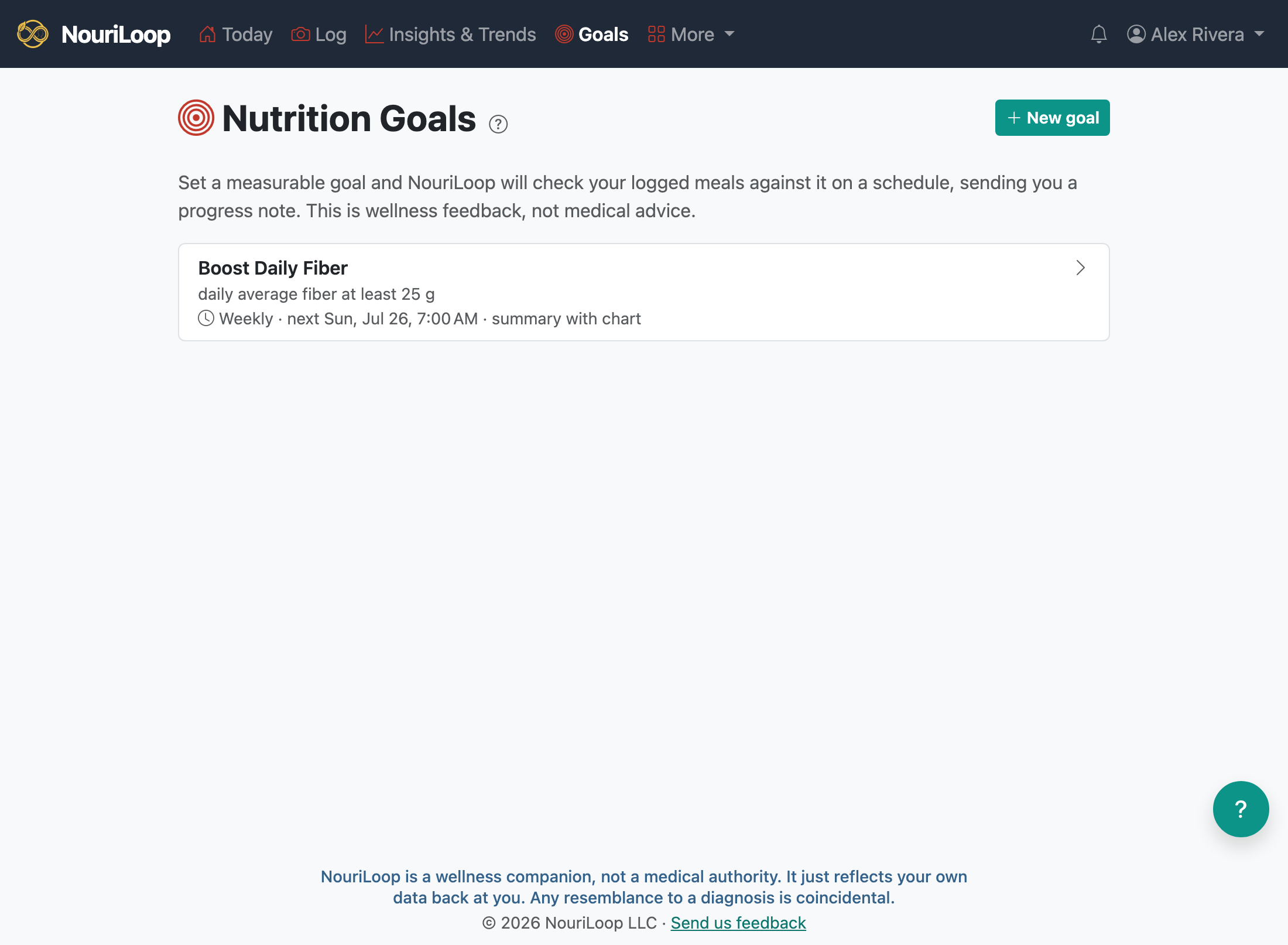
Set a measurable nutrition goal and NouriLoop checks your logged meals against it on a schedule, sending you
a progress note. It's wellness feedback, not medical advice.
Setting up a goal
Go to Goals → New goal.
Chat it through — describe what you want ("eat more fiber") and the assistant turns it
into a concrete, measurable goal — or use the structured form if you'd rather.
Choose how often you want check-ins (daily or weekly), the time of day, and the format (a short
summary, a chart, or a fuller report).
Confirm, and your goal is set.
Check-ins
On schedule, NouriLoop measures your meals against the goal and sends a progress check-in — by email and/or
text, following your notification settings. Each
goal's page keeps a history of its check-ins, status, and a trend chart.