If you wear an Abbott Lingo or Dexcom Stelo continuous glucose sensor,
NouriLoop can receive its readings automatically and draw a blood-sugar response curve for every meal you
log. The one-time setup takes about 10 minutes, and NouriLoop walks you through it: sign in and open the
guided setup at Connect your CGM — it creates
your access token for you, shows every value to copy, and confirms live when readings arrive.
What you'll need
A Lingo or Stelo sensor that's already showing readings in the Apple Health app
on your iPhone. (Check this first — if Health has no glucose, NouriLoop can't receive any.)
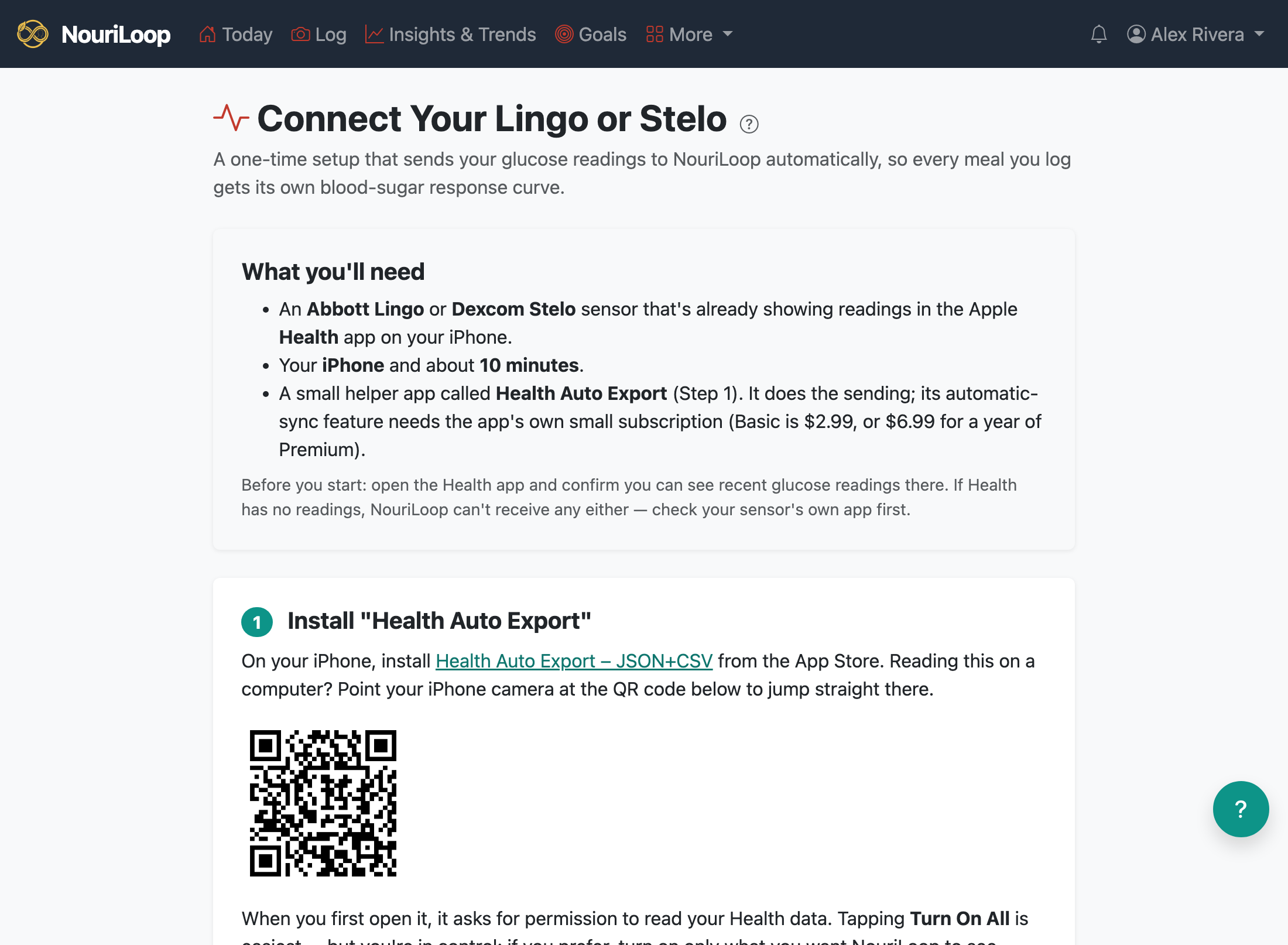
A small helper iPhone app, Health Auto Export – JSON+CSV, which reads Apple
Health and sends the data on a schedule. Its automatic-sync feature needs the app's own small
subscription (Basic is $2.99, or $6.99 for a year of Premium).
The steps, in short
Install Health Auto Export from the App Store. When it asks for Health
access, tapping Turn On All is easiest — or turn on only what you want
NouriLoop to see. Blood Glucose is the one this setup needs;
Weight, Steps, Sleep, Heart Rate, and Blood Pressure are also put to good
use in your charts and trends.
Create a NouriLoop access token — the guided setup does this in one tap
(or use Settings → API tokens). A token is a
special password that lets the helper app — and only it — send data to your account.
Create a REST API automation in Health Auto Export pointing at
https://nouriloop.com/api/health-metrics/health-export, with an
Authorization: Bearer … header carrying your token, JSON format,
and Health Metrics as the data type — "Select All" is easiest (NouriLoop
ignores types it doesn't chart), or select only Blood Glucose plus whichever of weight,
steps, sleep, heart rate, and blood pressure you want to share. The guided setup shows each
value with a copy button.
Turn Summarize Data off. This one Export Setting matters most: when it's on,
the app sends one daily summary number instead of your actual readings, and meal curves need
the ~5-minute readings. A once-a-day sync cadence is plenty; a faster one just makes curves
appear sooner.
Run the automation once by hand, then watch the guided setup's checklist turn
green as your readings arrive — it checks automatically every few seconds.
If readings don't show up
Nothing arrives: confirm the Health app itself shows recent glucose; then re-check
the automation's URL and the Bearer header (the word "Bearer", a space, then the token).
"Readings arrived but too few": that's the Summarize Data setting — turn it
off and export again. The guided setup detects this case and tells you.
Glucose readings are health data — see the Health Data Privacy Notice linked on
the Health Metrics page for how NouriLoop handles them.